
Feature available for: 🟢 Participants 🔷 Facilitators 🟨 Administrators
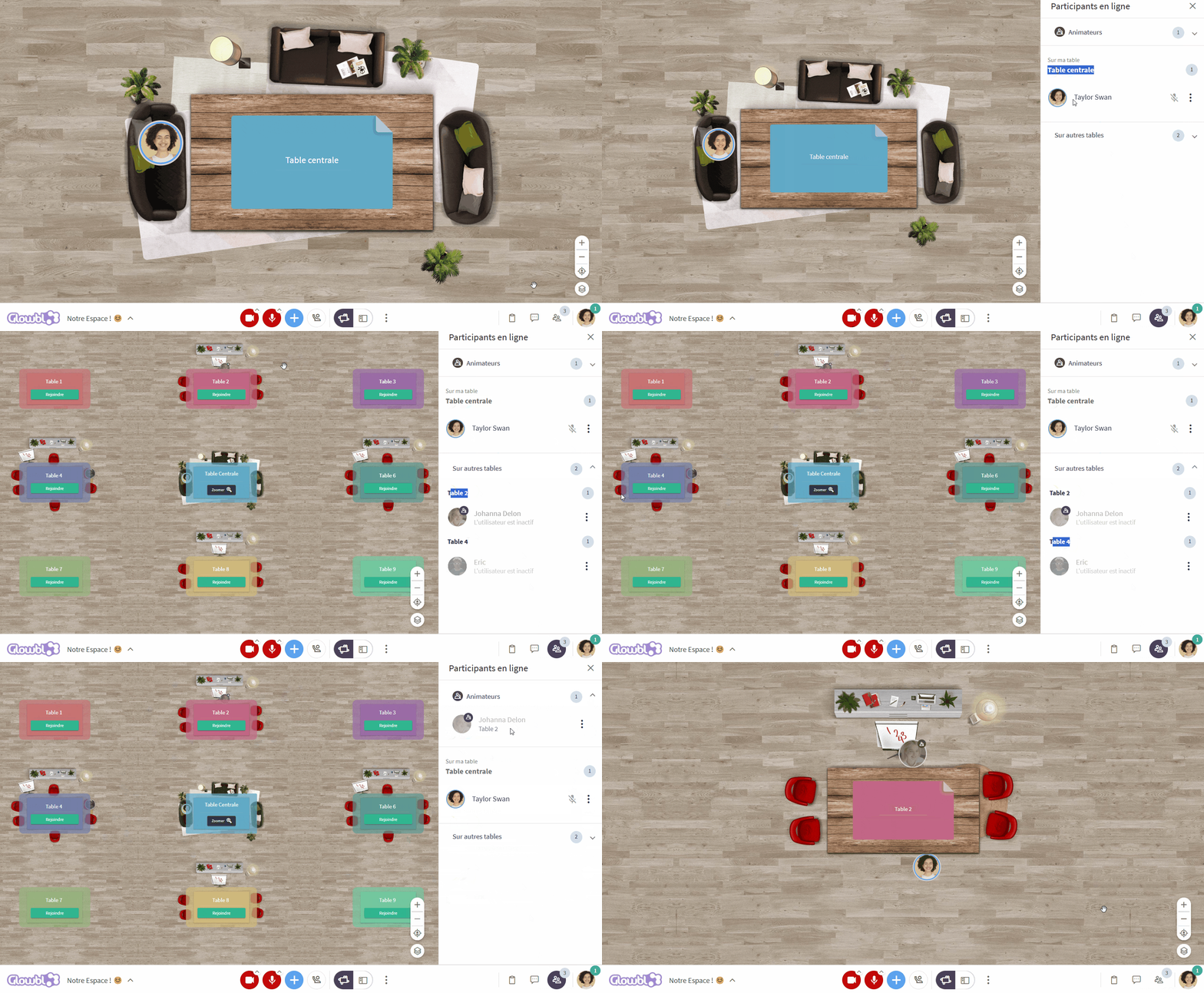
The Participants  pane is a kind of control tower that lets you know who's where in the space, that facilitates interaction, and gives the facilitator access to tools for facilitating the session.


Most of the functionalities of the Participants pane can also be found by hovering over the Bubble of each participant.
View and locate participants
This pane lets everyone see the complete list of participants and their location on the various tables. A dedicated section has been added at the top of the pane to make it easier to find a facilitator if necessary.
Have you launched teams  ? Each member can find the different compositions here:
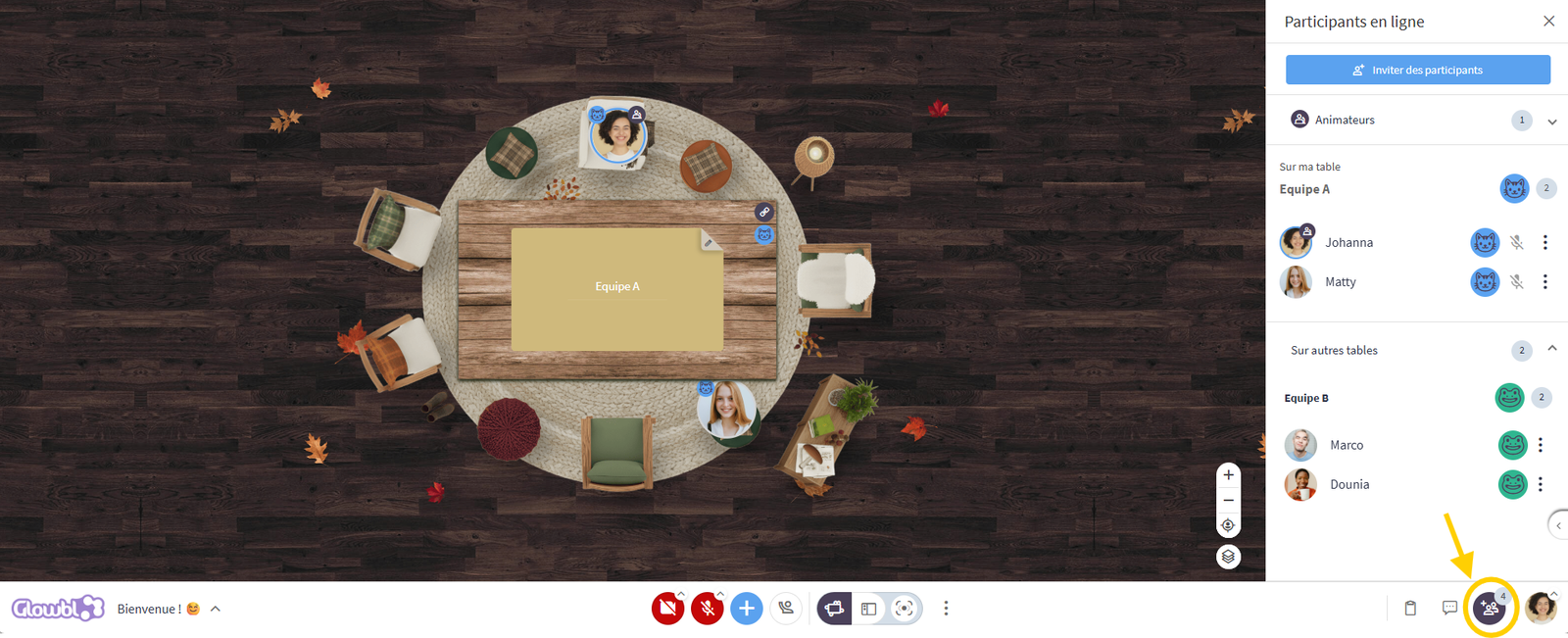

In addition to displaying the first and last name of each participant, the Participants pane helps you learn more about each one by accessing their Business Card  . Just click on the three dots
 next to their name to find out more. Don't forget to fill it in!
Communicate privately
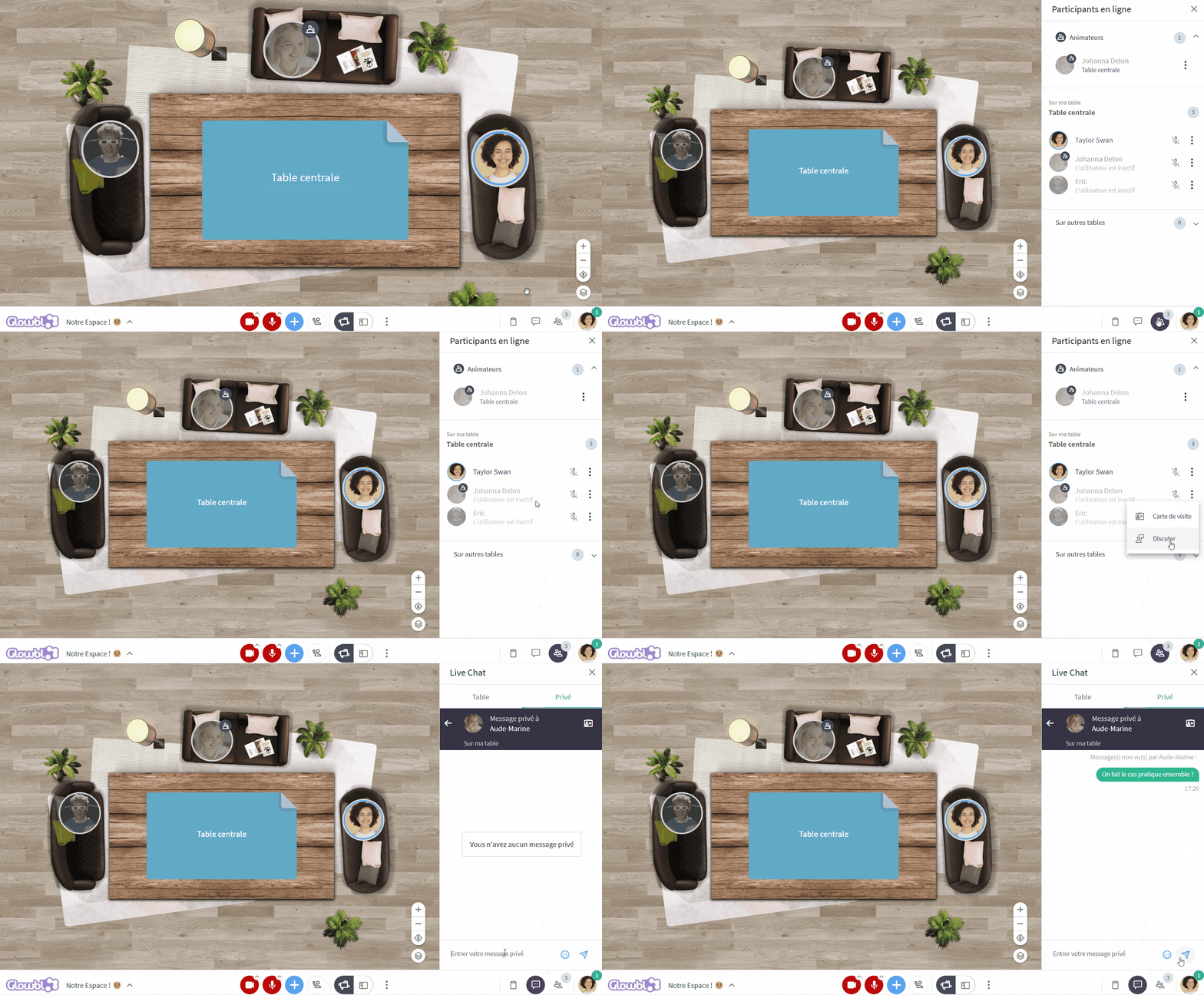
Need to contact someone directly? The Participants pane lets you open a private discussion with any user, including moderators.
Click on the 3 dotsnext to the name of the person you wish to contact, then on Chat
Moderating the session
Available for : 🔷 Facilitators 🟨 Administrators
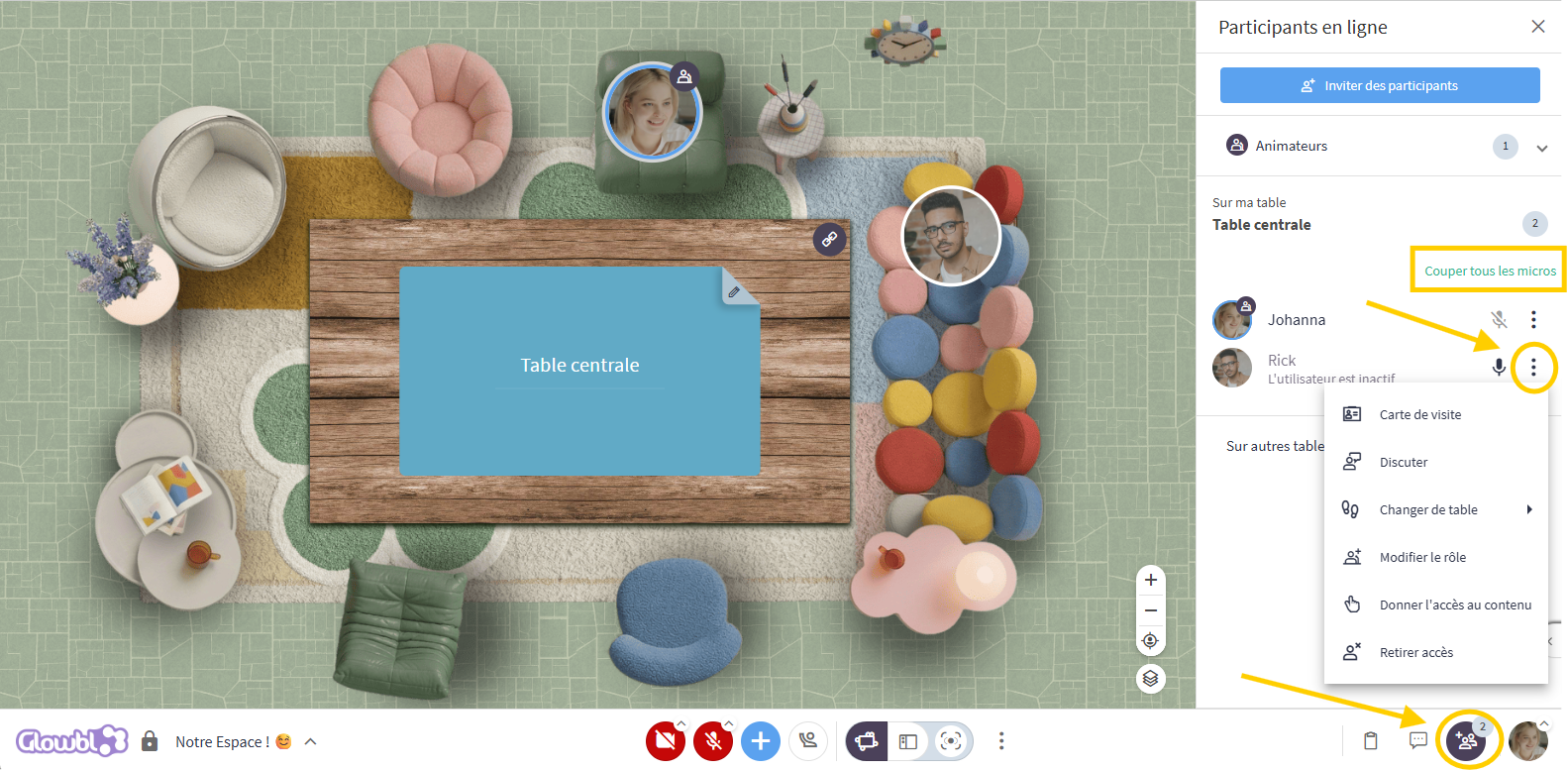
Facilitators and administrators have access to additional features to maintain the session's structure and flow:
- Mute
 certain participants or all mic at once
- Move a participant who is having difficulties to another table.
- Remove a disruptive participant (only available in Restricted or Facilitator Access modes).
- Change a participant's role y appointing them as facilitator or administrator
- Lower participants' hands

These pages may interest you :
 Assign rights to participants
Restrict access to the space