Feature available to : 🟢 Participants 🔷 Facilitators 🟨 Administrators
On Glowbl, you won't just be sitting still; stretching your mind goes hand in hand with stretching your bubble! Master how to move around a table and how to hop from one table to another right now.

Moving yourself…
…around a table
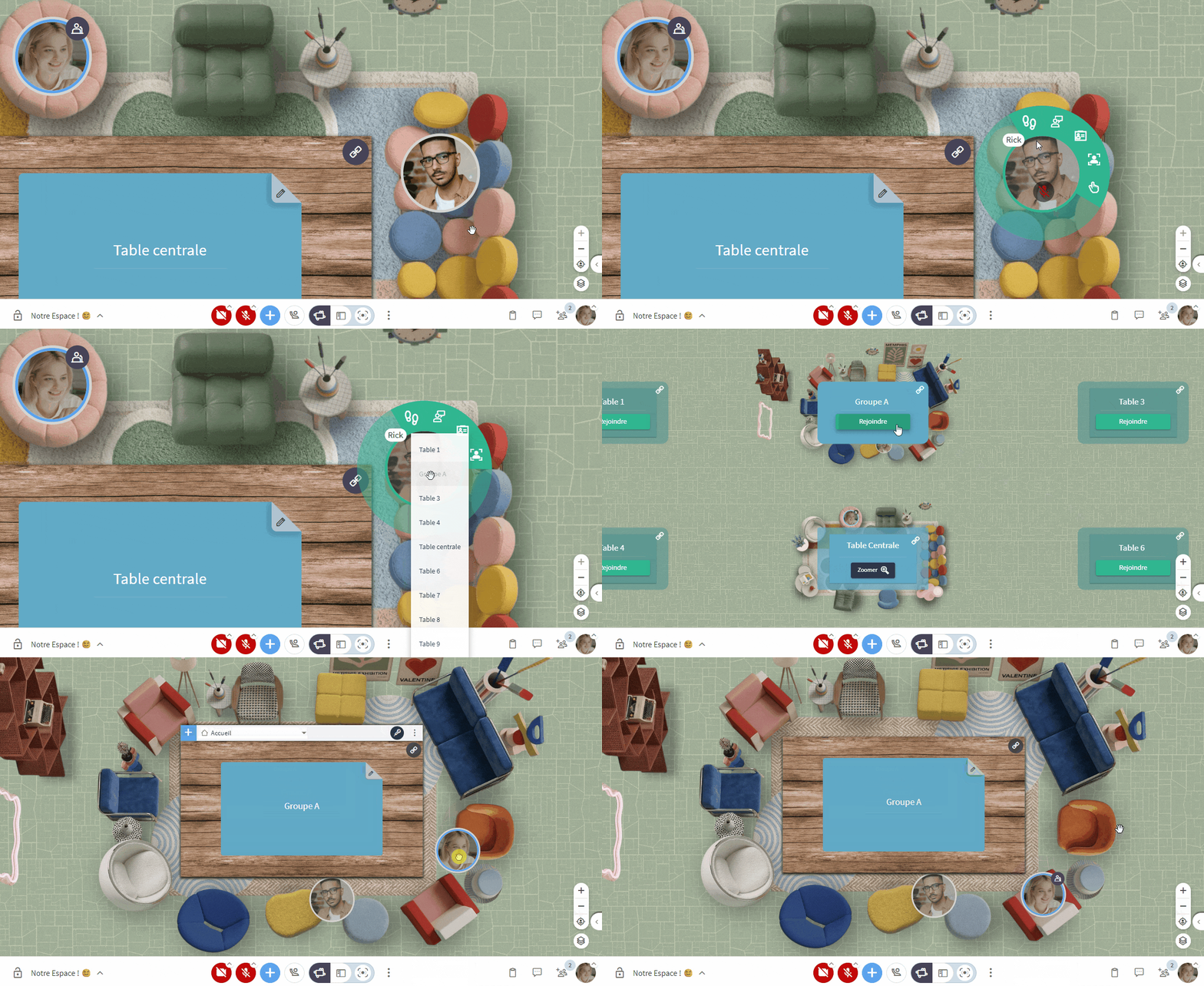
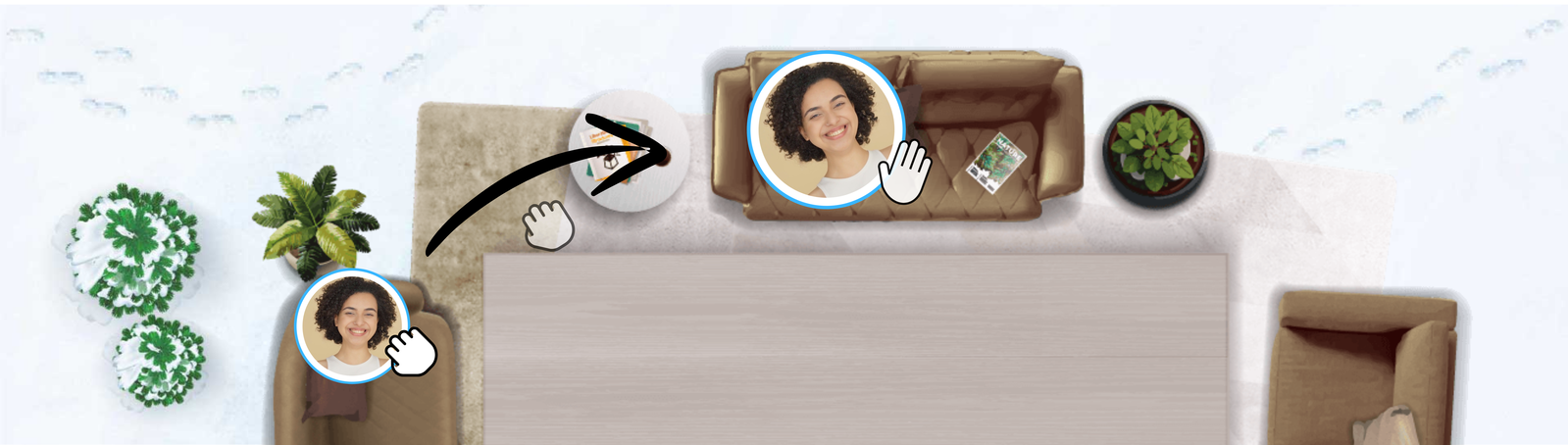
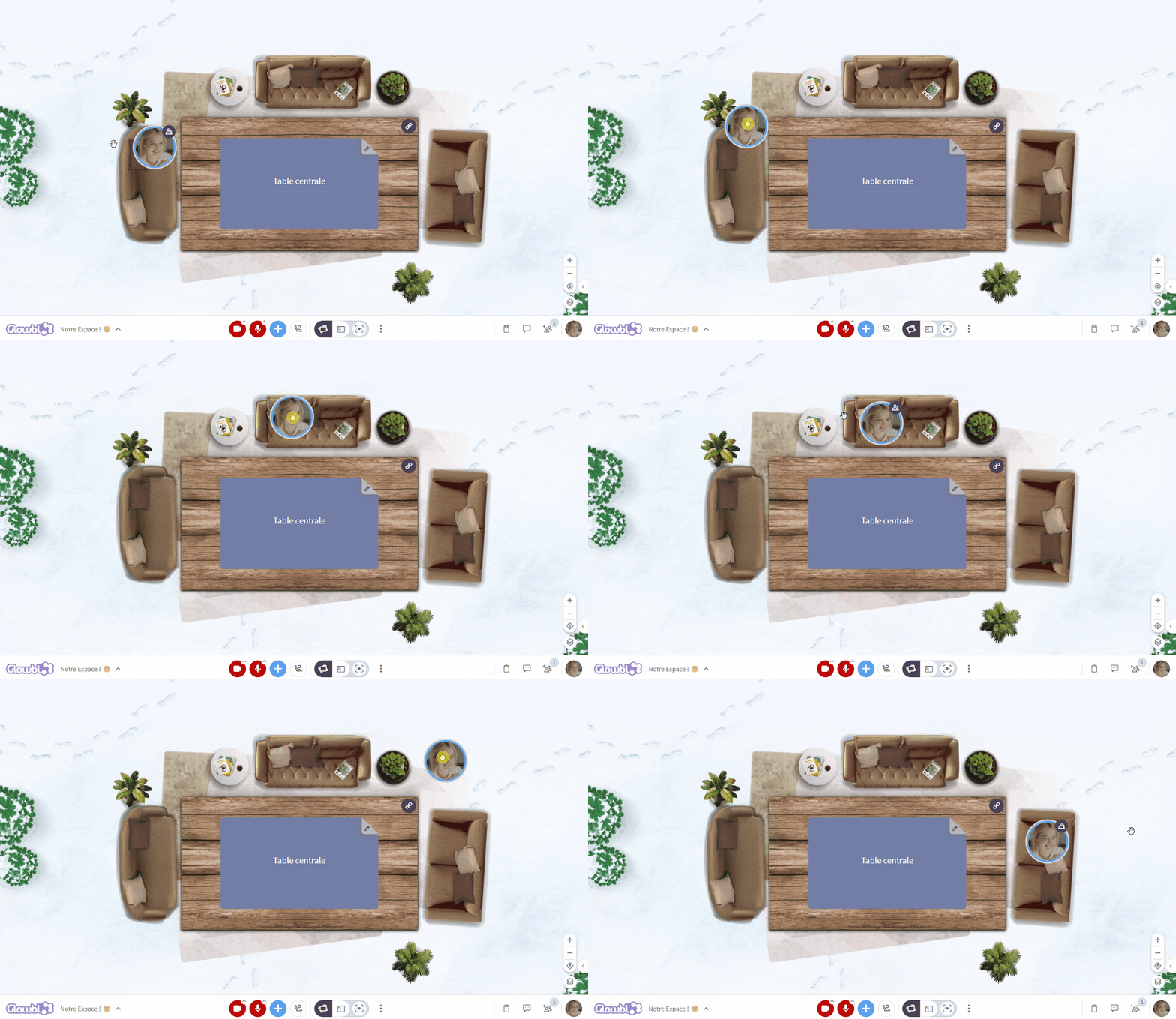
Whether you want to sit next to your favourite colleague or take a specific seat, grab your bubble, hold down the click, and release it at your desired spot.

Did you notice the emojis when hovering over your bubble? To find out more, check out the page:
…from table to table
The beauty of Glowbl is the ability to work easily in sub-groups thanks to the 9 tables in the space, which are audio-isolated from one another.
- Locate the white zoom in/out button
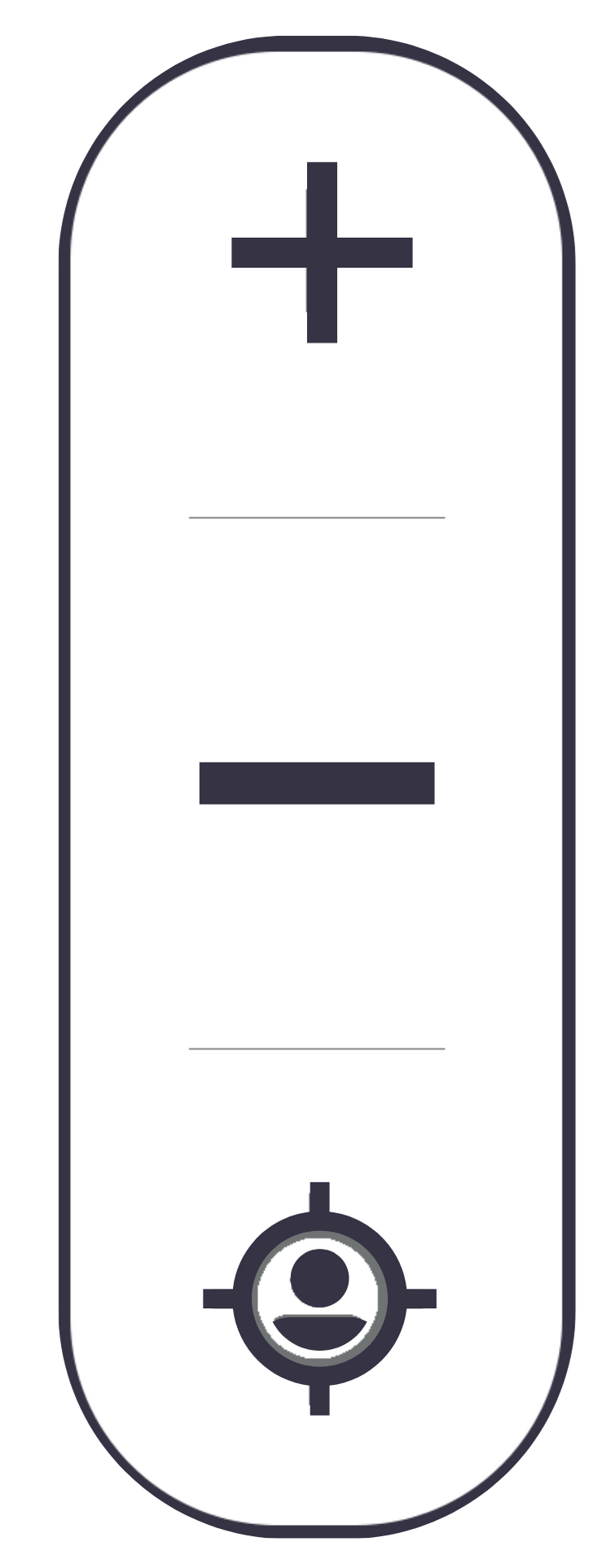 at the bottom right of your screen..
- Click the minus ➖ until you can see all the tables.
- Click the green Join button on the table you wish to visit.
You can also zoom out within the space using your mouse wheel.
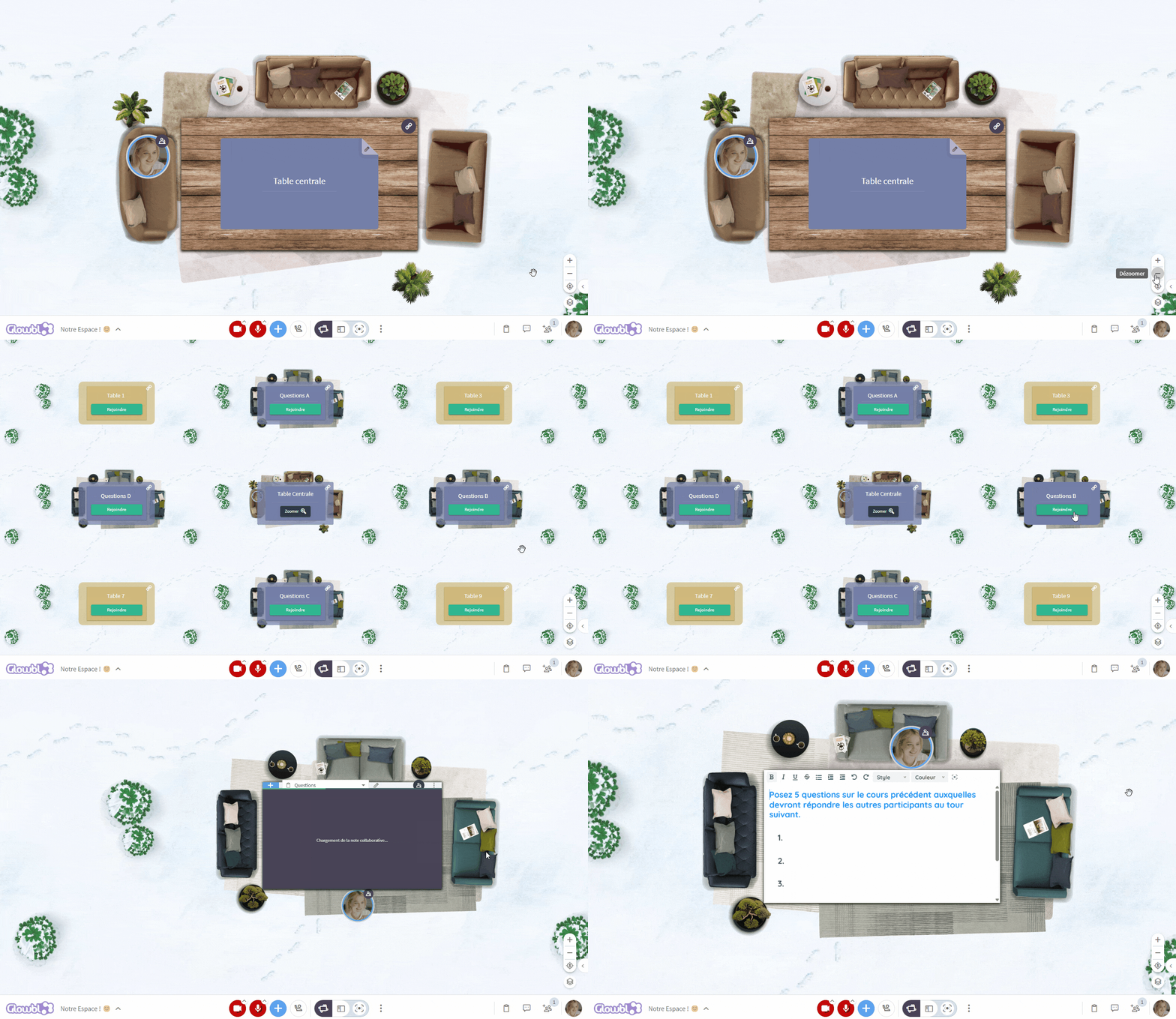

These features are reviewed in the video tutorial: :
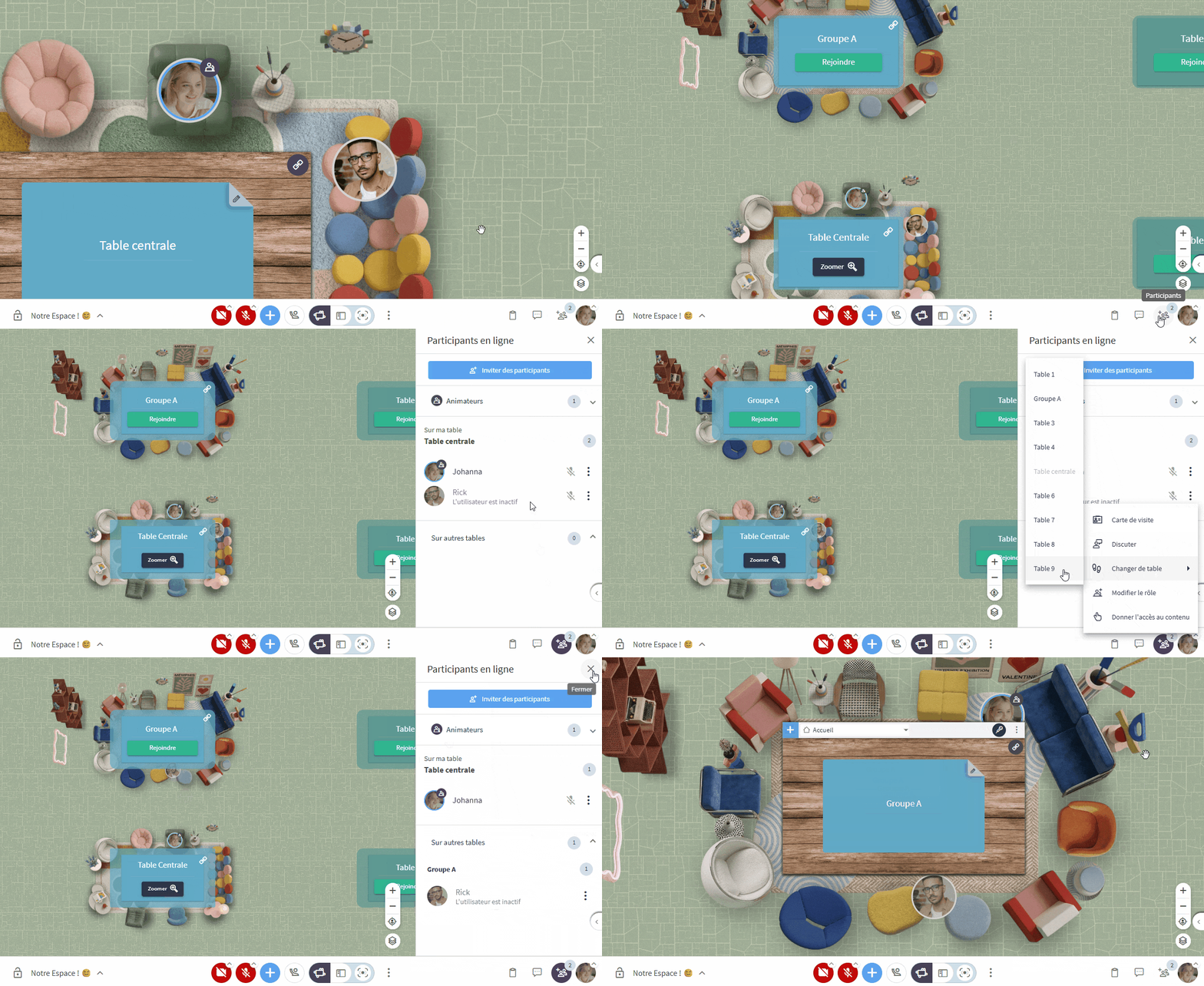
Moving others
Feature available to : 🔷 Facilitators 🟨 Administrators
💡 Educational Note: The two features below were designed to improve digital, physical, and cognitive accessibility. We would like to remind you that one of Glowbl's greatest strengths is empowering your participants to take charge of their own learning. Therefore, please continue to teach them how to move by themselves. Encouraging them to take ownership of the space fosters autonomy and a sense of belonging. This promotes engagement and simplifies the return to the main table, which remains a manual process.