Feature available for: 🟢 Participants 🔷 Facilitators 🟨 Administrators
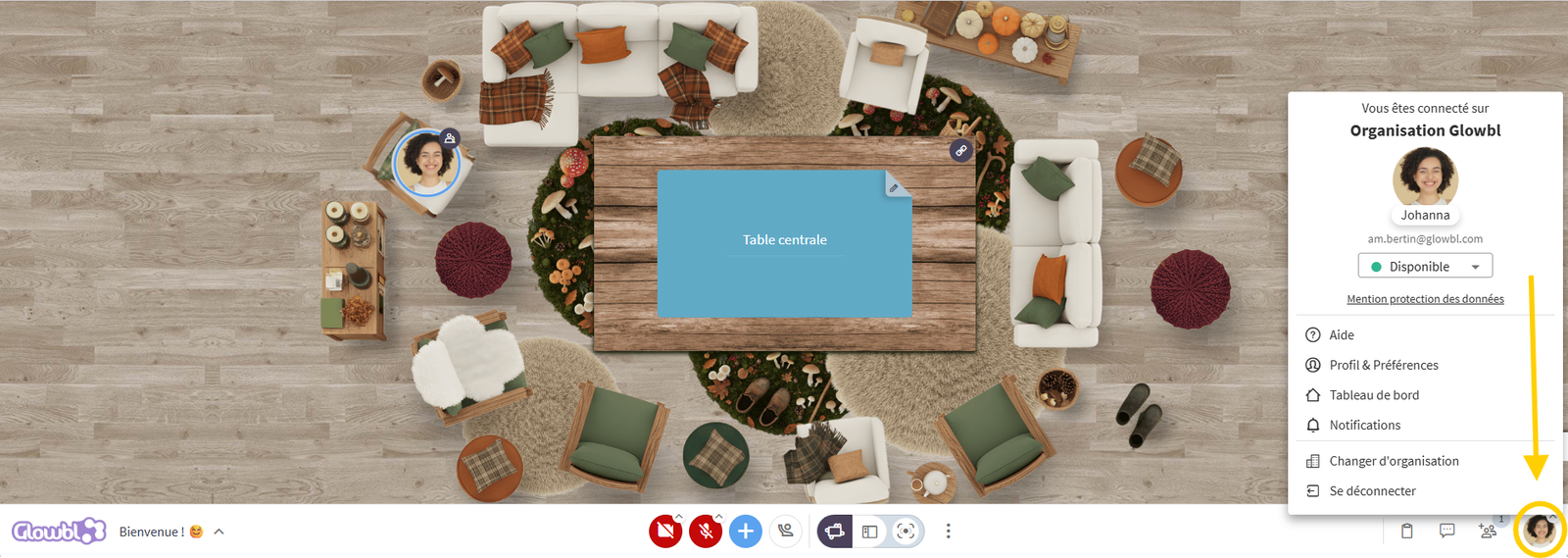
From your dashboard or from any space, click on your profile photo in the top right-hand corner of the screen (Dashboard) or bottom right-hand corner (Space) to :
- Return to your Dashboard
- Log out / change organization
- Find tutorials and What's New in Help
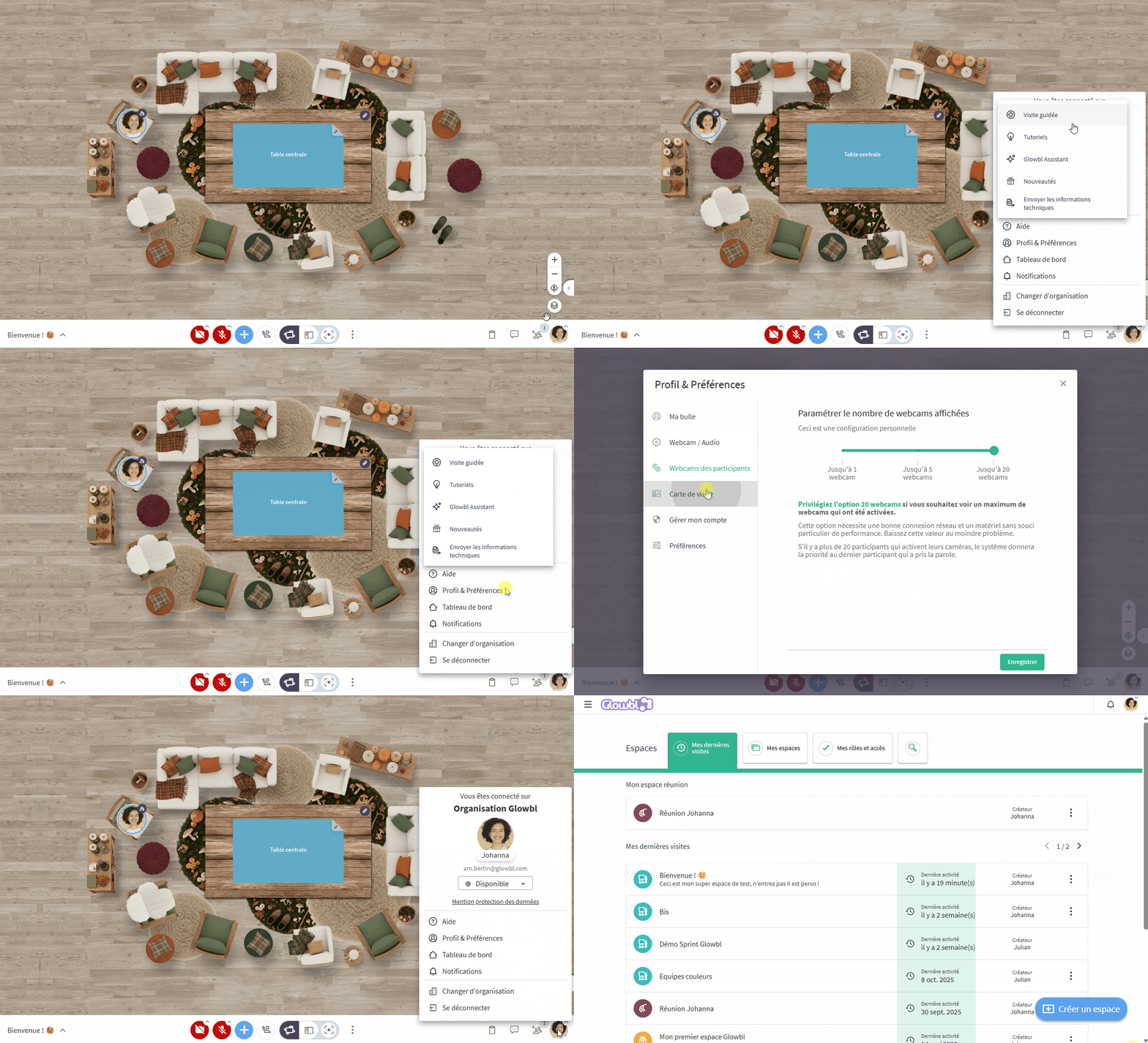
By clicking on Profile and Preferences  you can access certain features:
🔵 My bubble
- Change the photo displayed when your camera is turned off
- Change the name displayed when you speak and in the Participants pane
 Webcam / Audio
- Change camera and microphone input and output
- Select a background (not recommended with a weak Internet connection)
5️⃣ Participant webcam
- Reduce or increase the number of webcams displayed
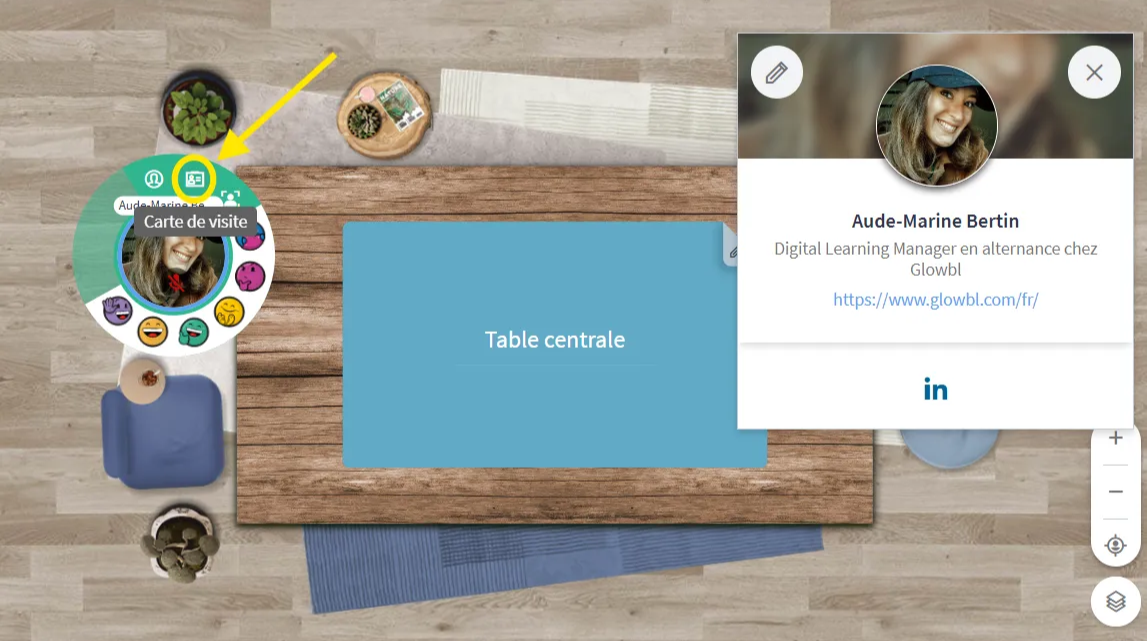
🪪 Business card
- Modify the information shared with participants (position, company, short presentation, Linkedin link...)
- Your business card is visible to other participants by hovering over your bubble and from the three dots in front of names in the Participants pane .
‣
❌ Manage my account
- Delete your account
 Preferences
- Enable/Disable dark mode
- Enable/Disable sound notifications

Having sound or camera problems? See our FAQ on:
 Configure camera/microphone