Feature available for: 🟢 Participants 🔷 Animators 🟨 Administrators
Glowbl is primarily designed to encourage oral exchanges, but you also have a Live Chat, ideal for interacting when there are many of you in a space, particularly during a webinar. For example, it enables participants to ask questions easily.
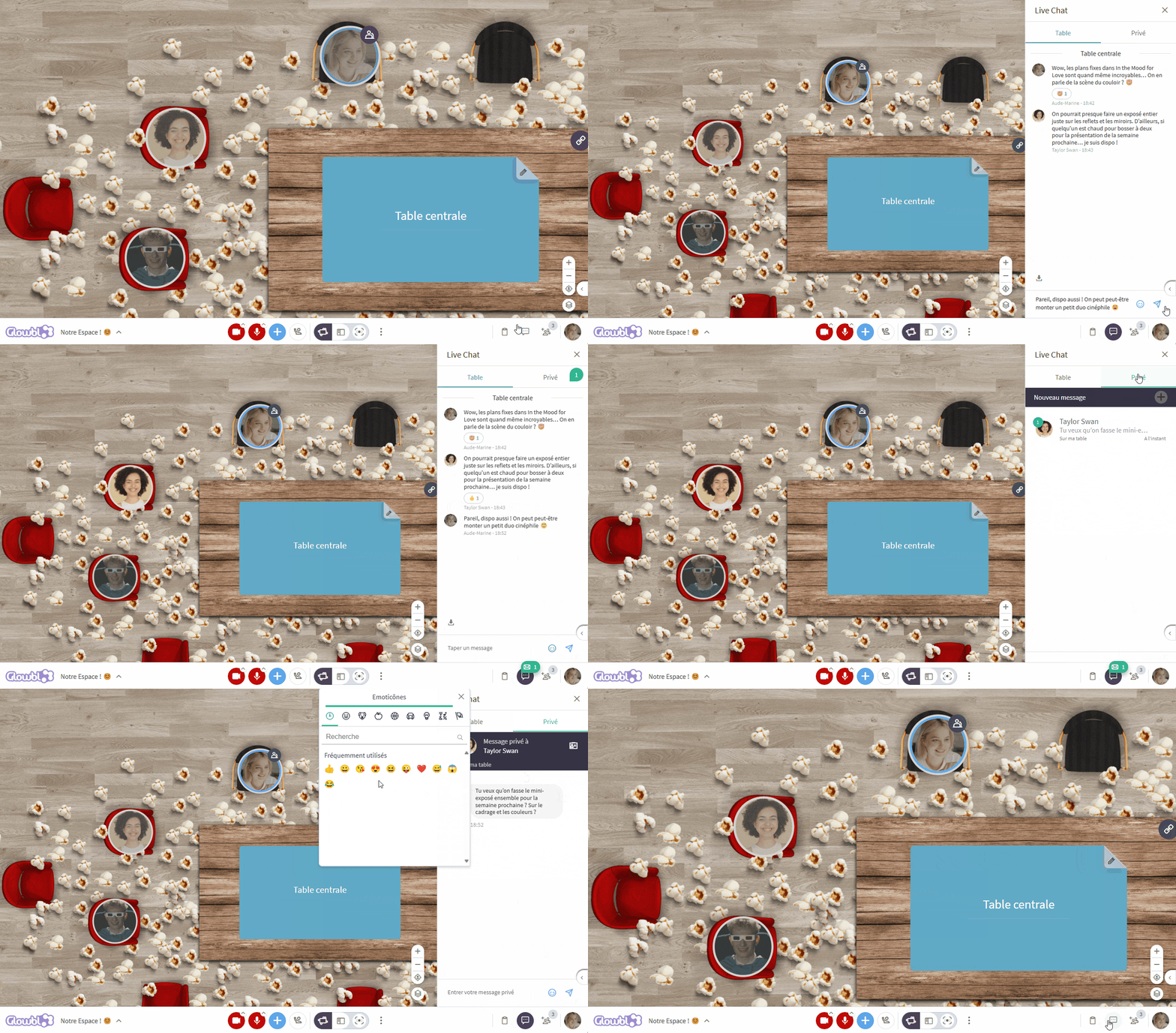
Live Chat , at bottom right, is divided into two sections:
- Public: to send messages to members of your table, or to the entire room when the moderator activates Synchronized Tables mode. Sent messages are temporarily displayed on your Bubble!
- Private: allows you to send a direct message to one person, in particular a host. This feature can also be accessed from your Bubble or from the Participants tab by clicking on Chat.
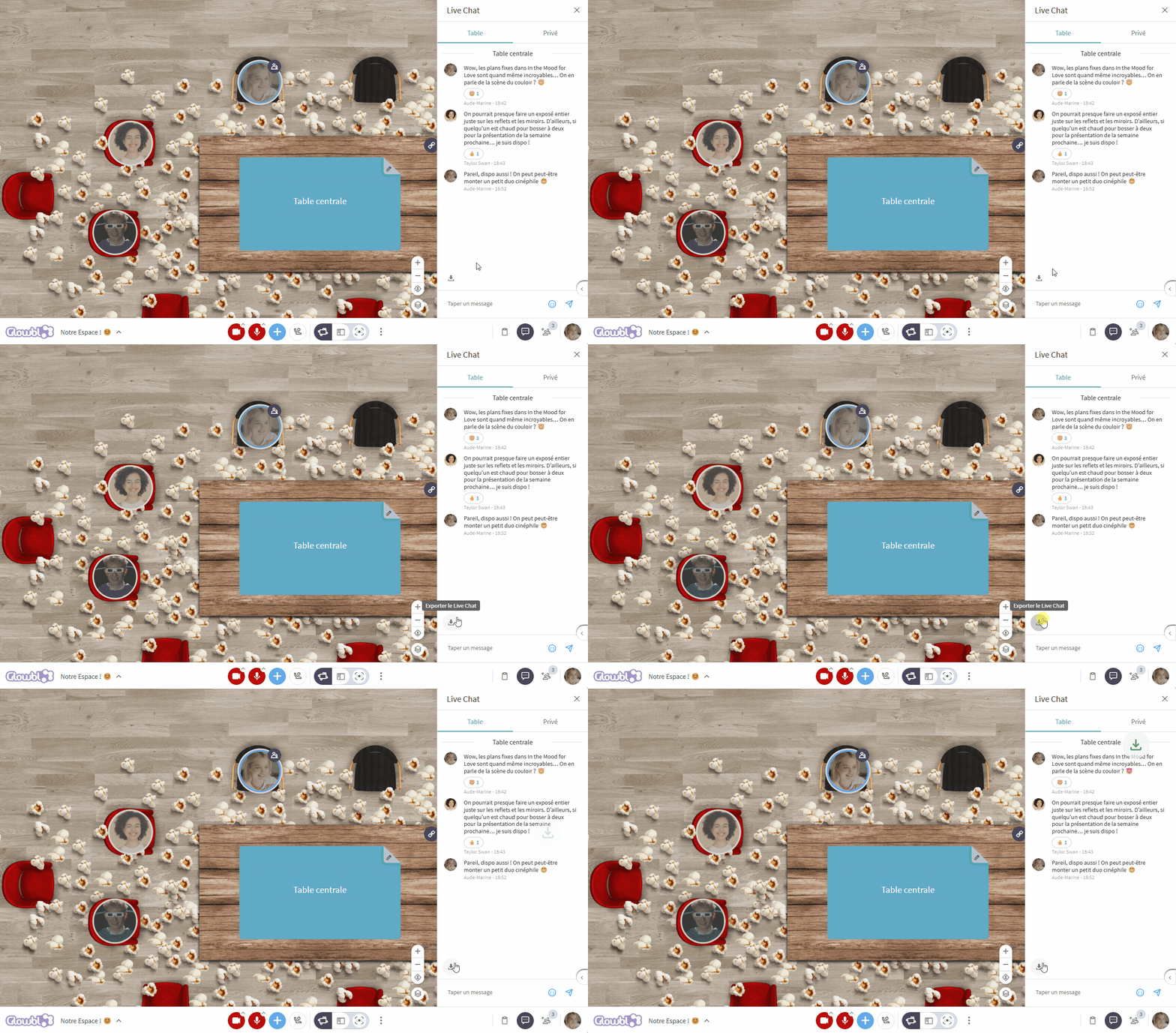
You can export public Live Chat conversations by clicking on at the bottom left of the pane.

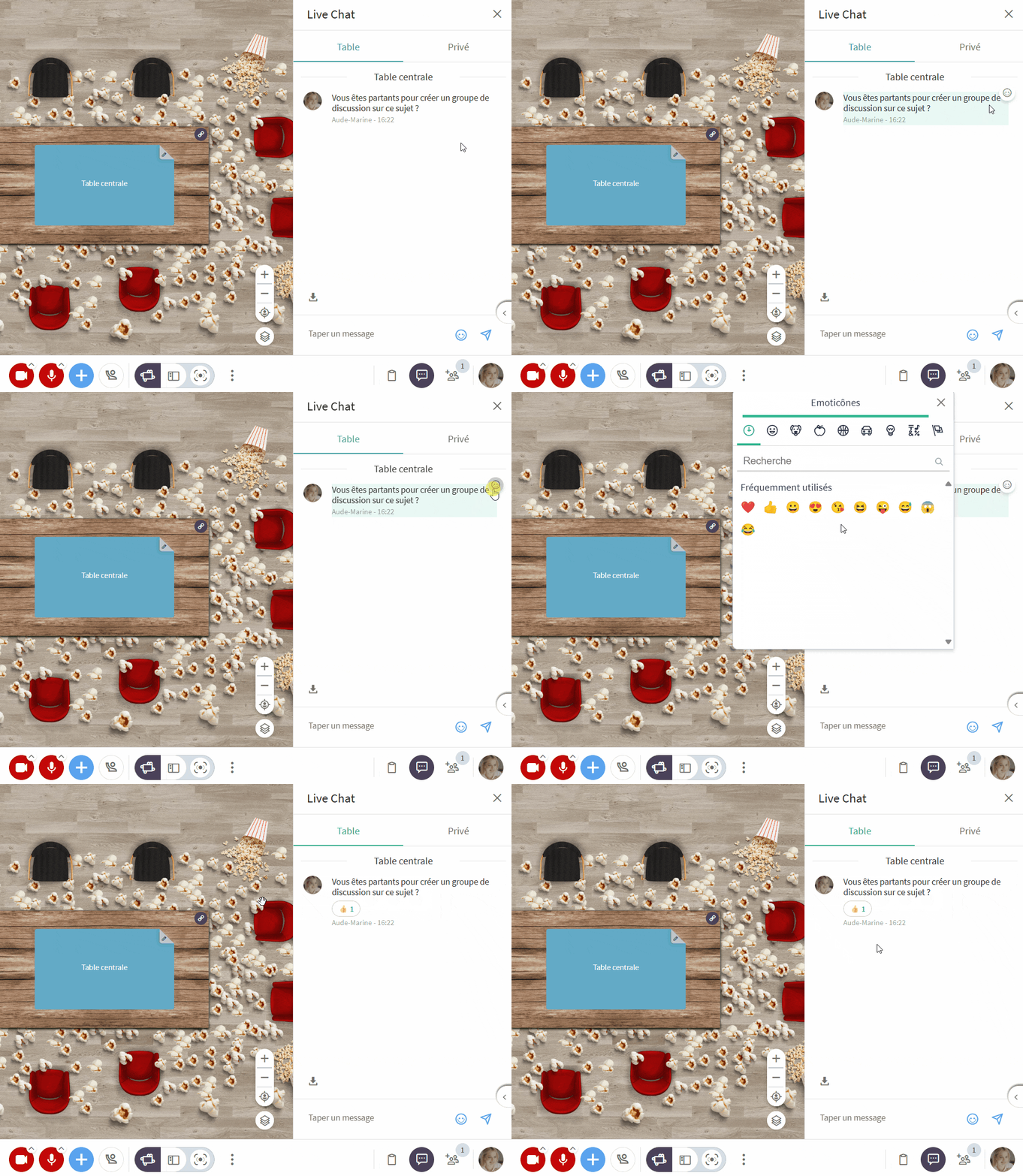
As you already know, we have a small passion for emoji. It would have been a shame not to be able to add as much atmosphere to Live Chat. So you can assign emojis to messages. This feature can be turned into a voting system or used to evaluate the importance of a question, for example.