
Feature available for: 🟢 Participants 🔷 Facilitators 🟨 Administrators
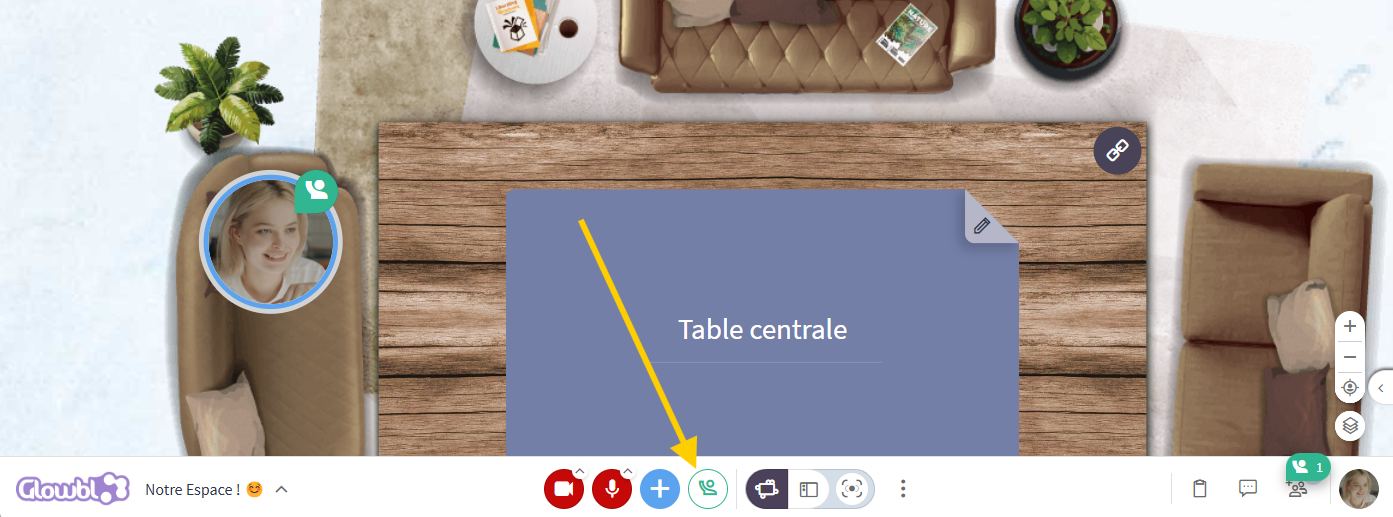
To the right of the Camera and Mic buttons and the blue plus is a Raise hand button. By clicking on the icon, a notification appears on the participant's bubble as well as in the Participants tab at the bottom right-hand corner of your screen, regardless of the display mode you choose.
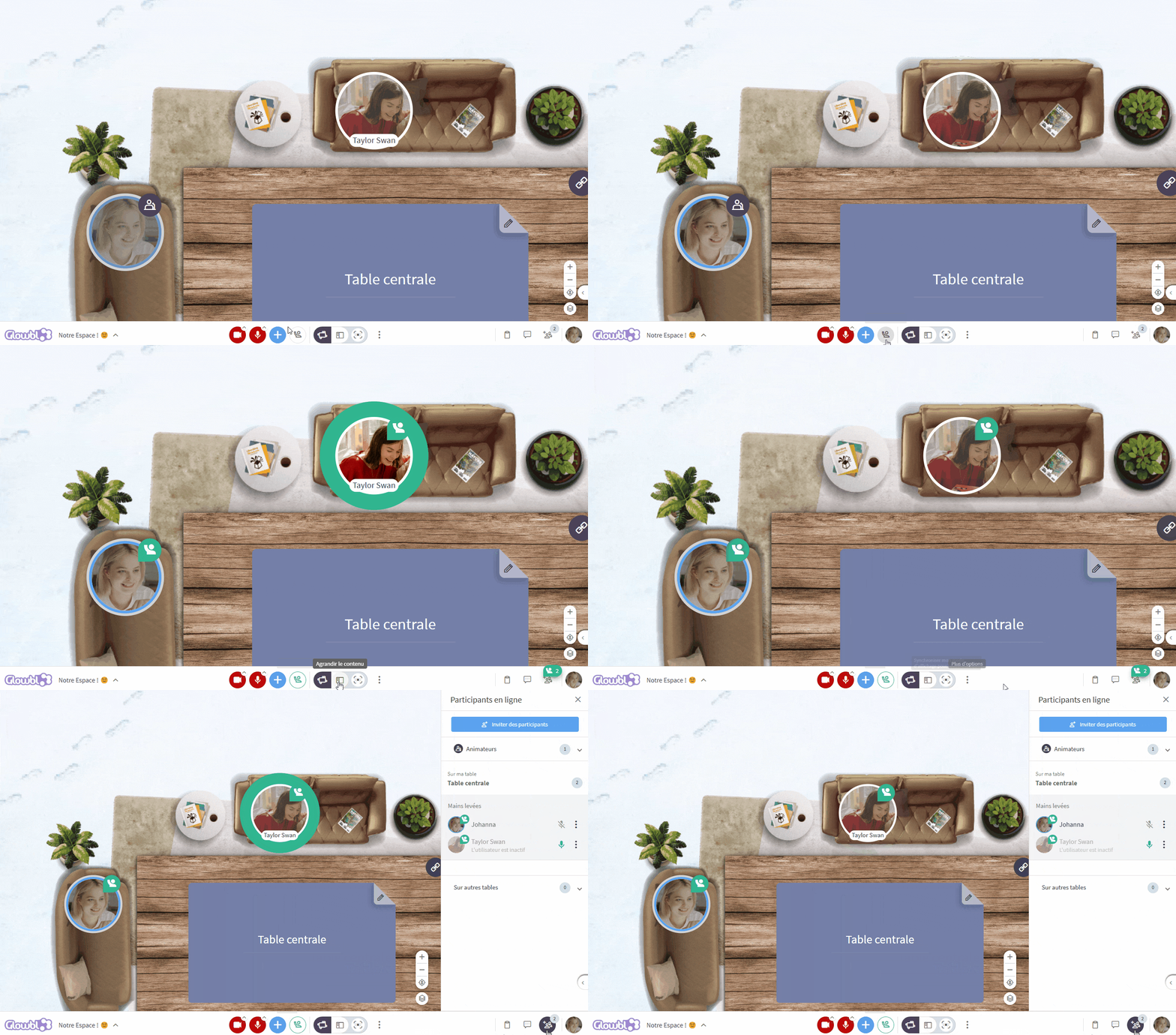

This feature is covered in this video tutorial :
Give the floor
Available for: 🔷 Facilitators 🟨 Administrators
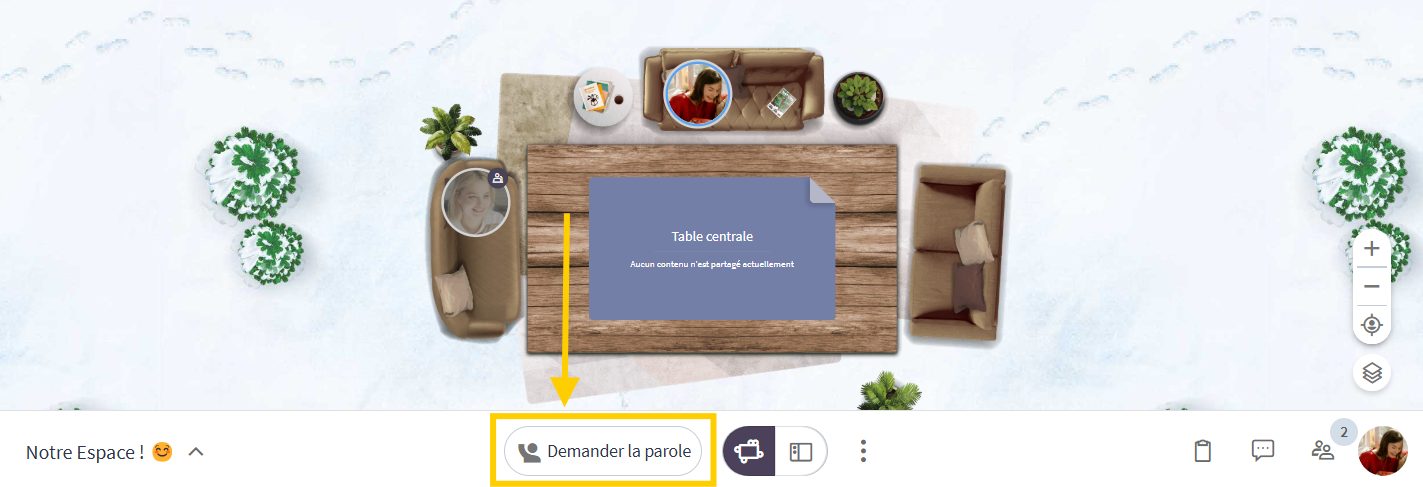
Please note that when participants' rights are set to Raise your hand, it's no longer a question of politeness. Participants will not have access to the microphone and camera buttons and will have to go through the button to ask you to speak. To find out more, see Assign rights to participants.