Feature available for: 🟢 Participants 🔷 Facilitators 🟨 Administrators
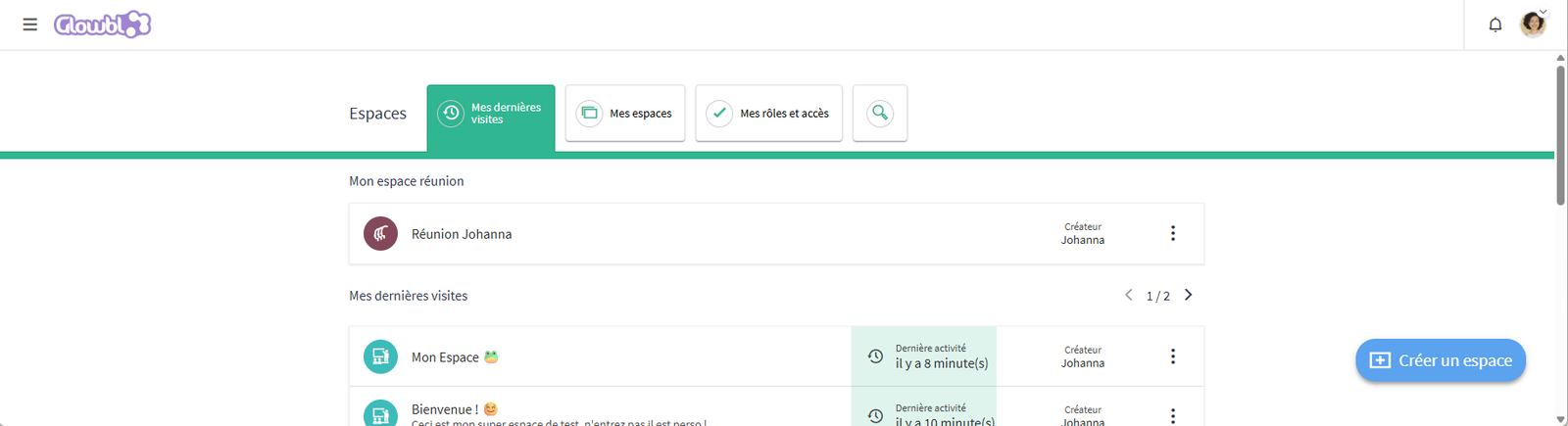

Accessing the dashboard
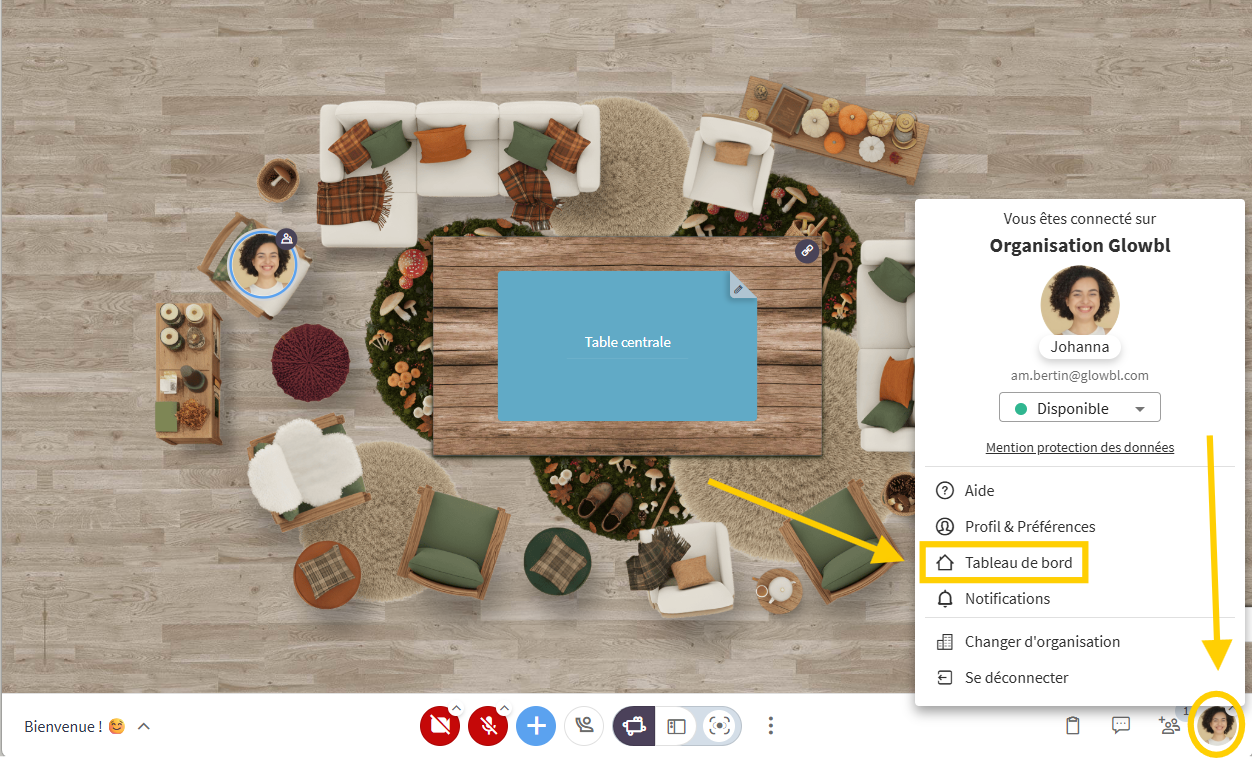
You can access the dashboard in two ways:
- By logging on to via your organization's URL, you'll go directly to the dashboard;
- From any space by clicking on your profile picture in the bottom right-hand corner of your screen ➜ Dashboard.

Right-click on My Dashboard to load the dashboard in a new tab and to open several spaces at once.
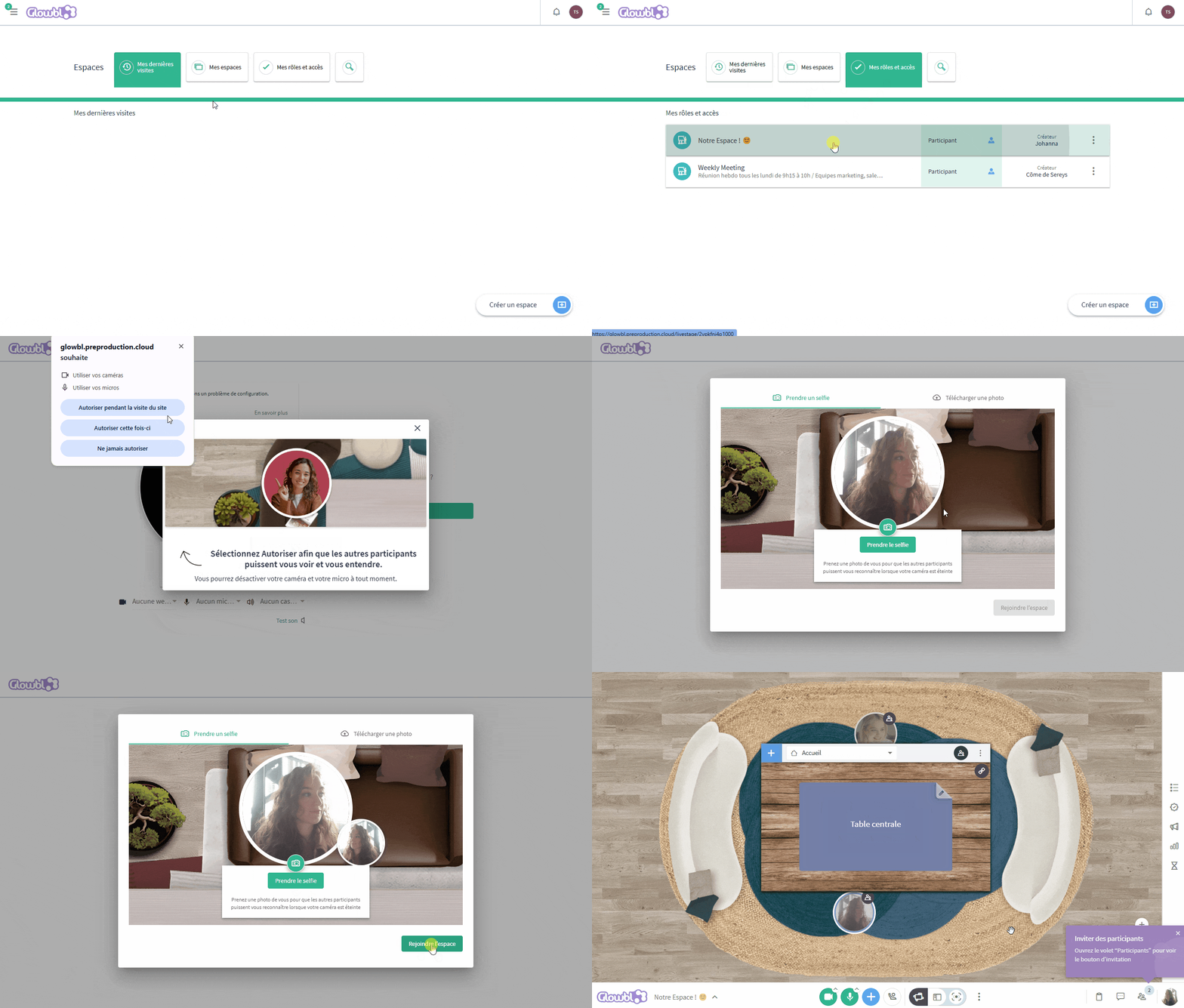
Find your spaces
On the dashboard you can find your "last visits", your created "spaces" and the spaces in which you are appointed facilitator/administrator in the "my roles and accesses" tab. Simply click on the name of a space to enter it. If this is the first time you've entered a Glowbl space, you'll be asked to authorize your browser to access the camera and microphone, and to take a photo. Just smile!
Recover data
Feature available for : 🔷 Facilitators 🟨 Administrators
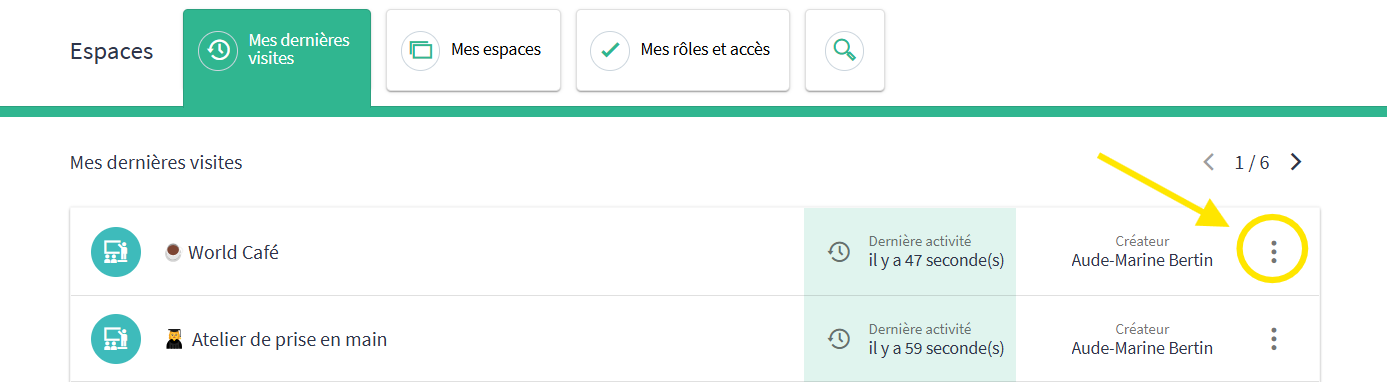
At the end of the line for each space, click on the 3 dots to export :
🔴 Records
But also to :