Feature available for : 🔷 Facilitators 🟨 Administrators
You can retrieve the list of people present at your session from the dashboard:
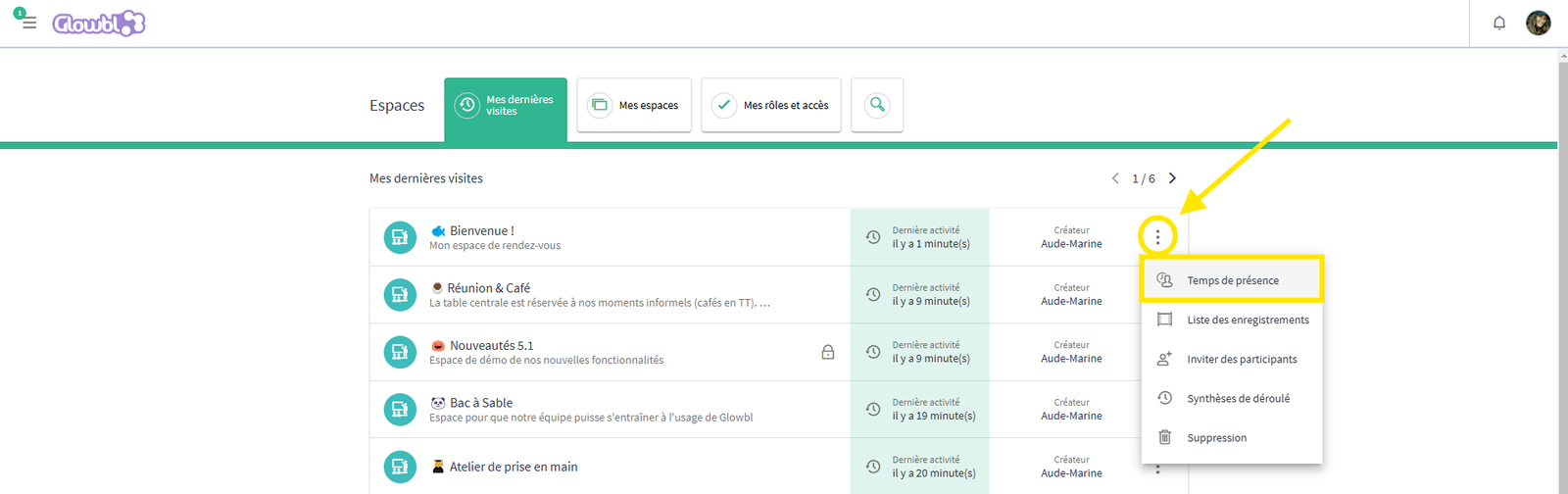
- Click on the 3 dots on the line corresponding to your space and select Attendance time.
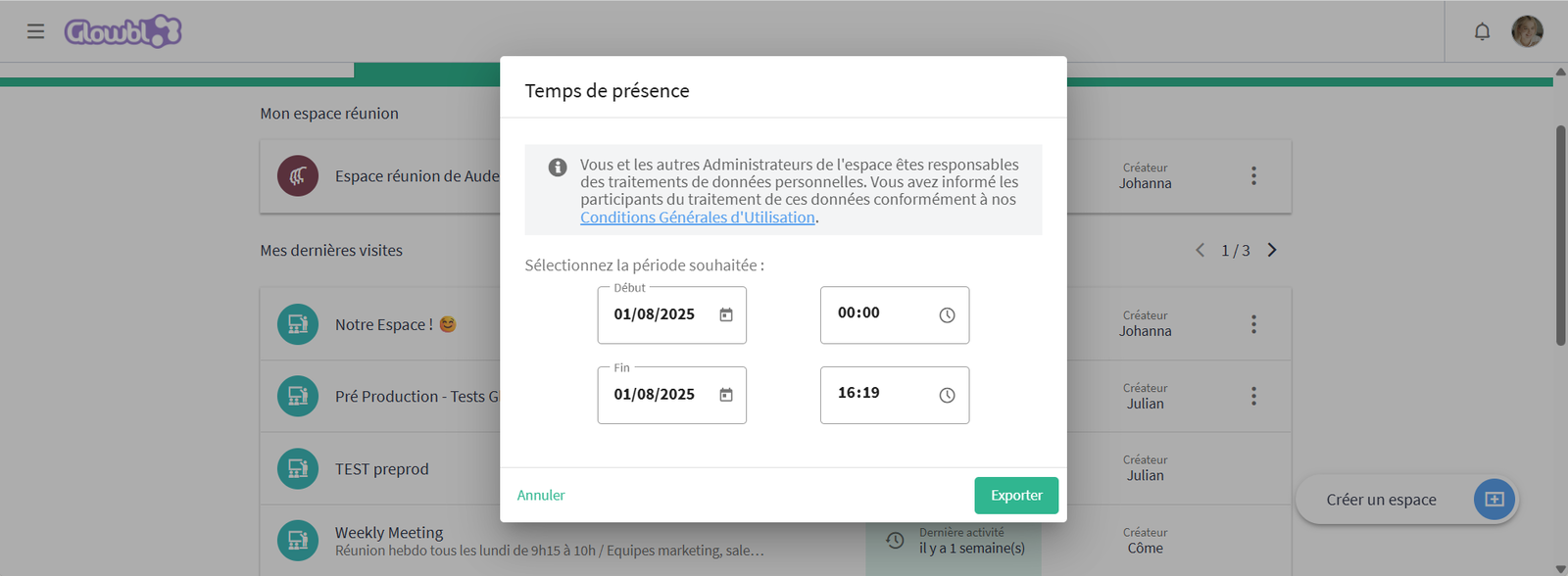
- Enter the start and end times of your session and click on Export.
You'll get an Excel list of the emails of participants who came by creating an account and their nickname when they come as a guest, the time they arrived, left, and the total time they spent in the space.
‣


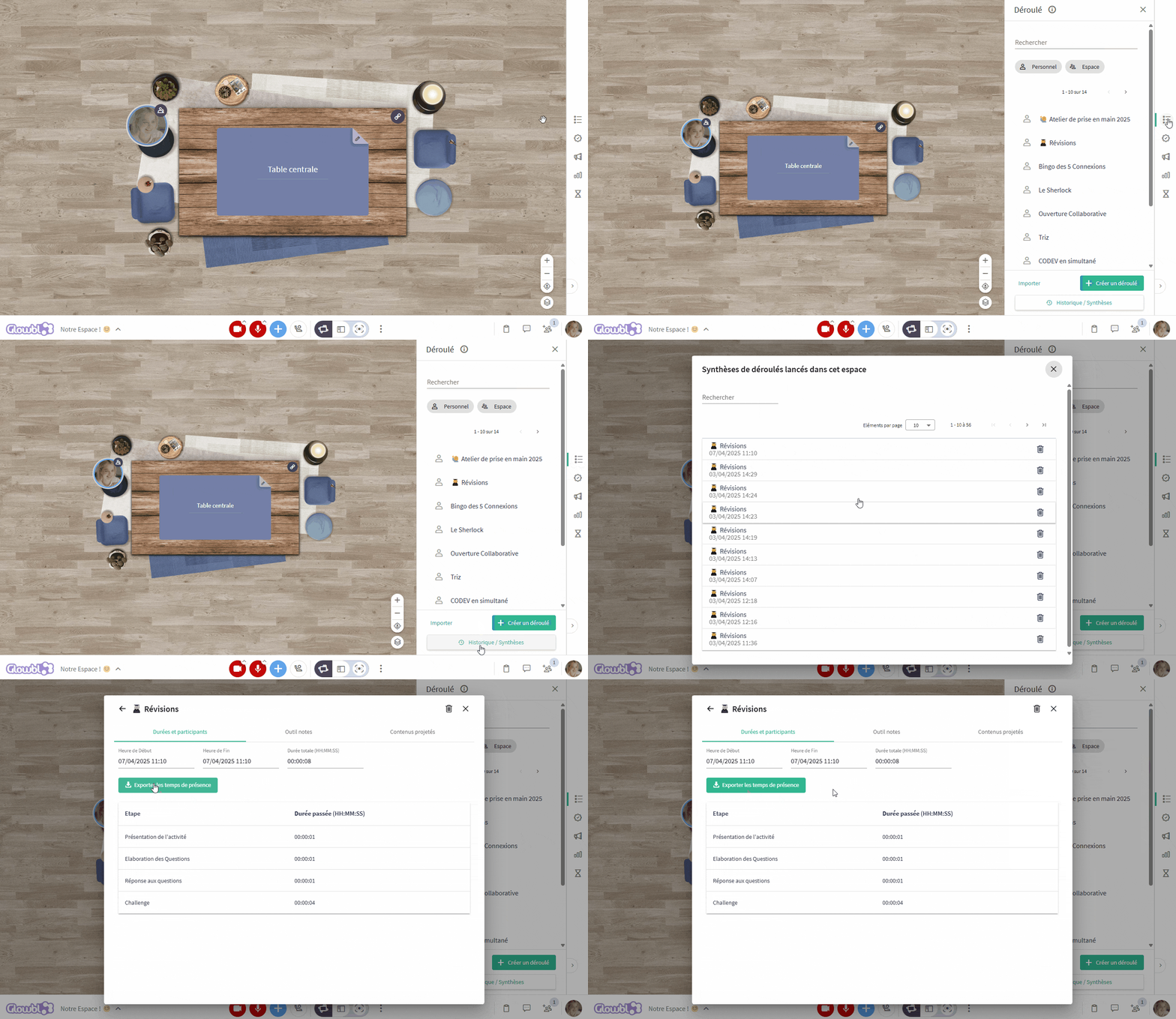
If you've launched a sequence you can also retrieve these attendances from the sequence summary, just like in the three dots , or directly in the space from the sequence tab on the right-hand sidebar.
‣