Feature available for: 🟢 Participants 🔷 Facilitators 🟨 Administrators
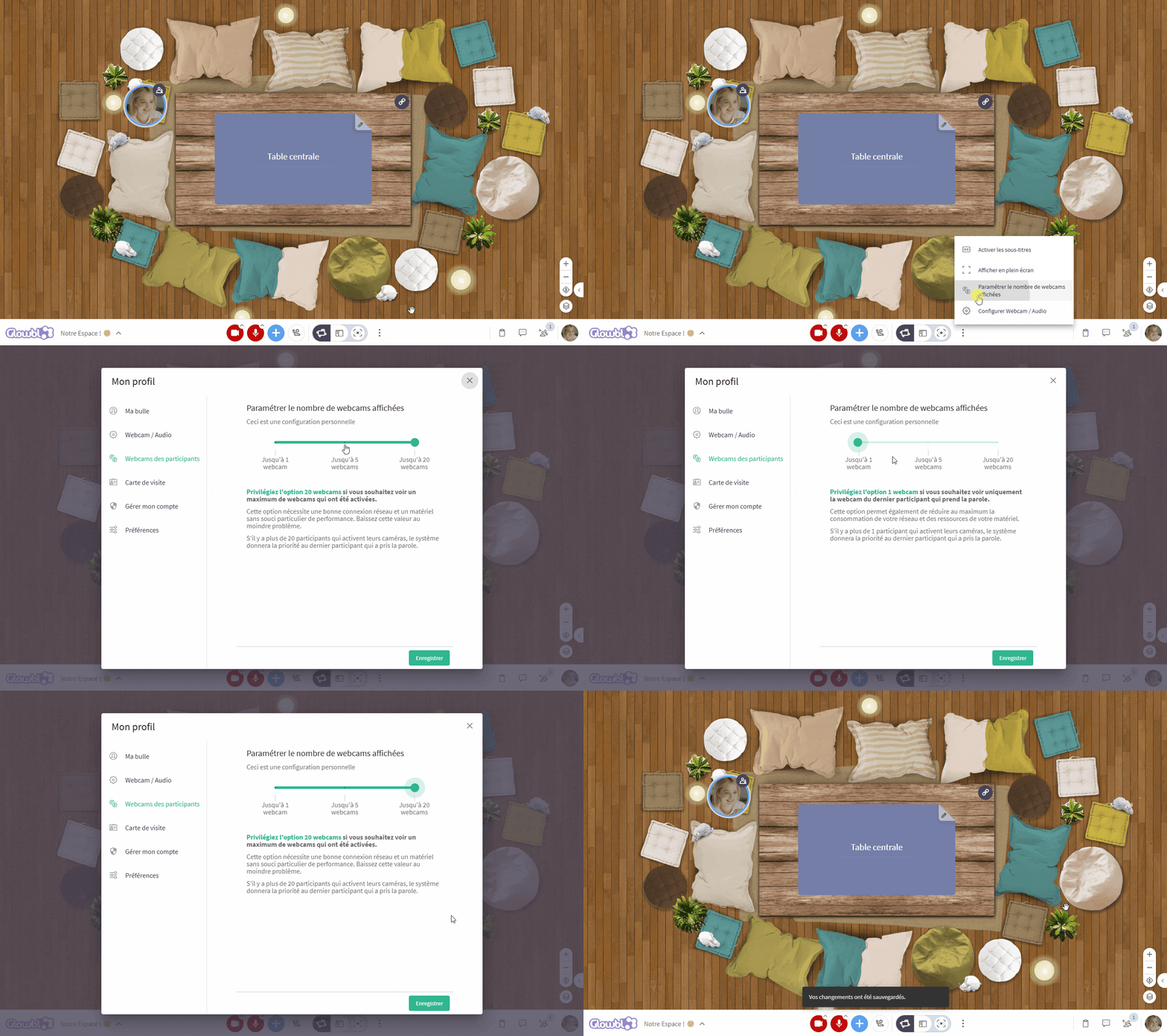
By default, 20 webcams are displayed. This means that in a group of 25 participants you'll see the webcams of 20 people, with the other 5 represented by their profile photo. You can reduce this number to between 1 and 5 webcams when your Internet connection is weaker.

When you reduce the number of cameras displayed, we prioritize your own camera and those of the people speaking.
To change this setting, go to your profile or the 3 dots at the bottom of your screen, then click on Number of webcams displayed.