Feature available for: 🔷 Facilitators 🟨 Administrators
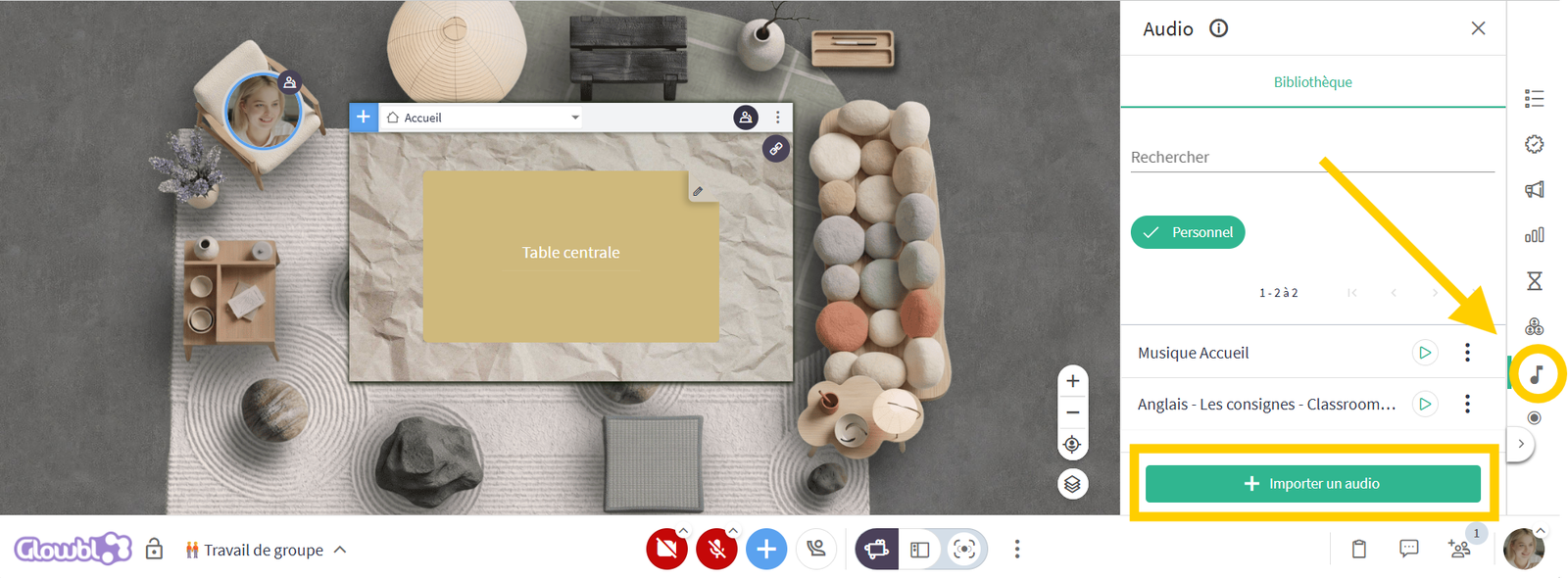
Add background music, archives, interviews, podcasts, or readings, independent of any other content being shared.
Create your own music or sound library that follows you across all your spaces!
- Click the musical note icon
 in the animation tools (on the right-hand side of your screen).
- Click Import audio.
- Rename, play the audio, or adjust the volume...
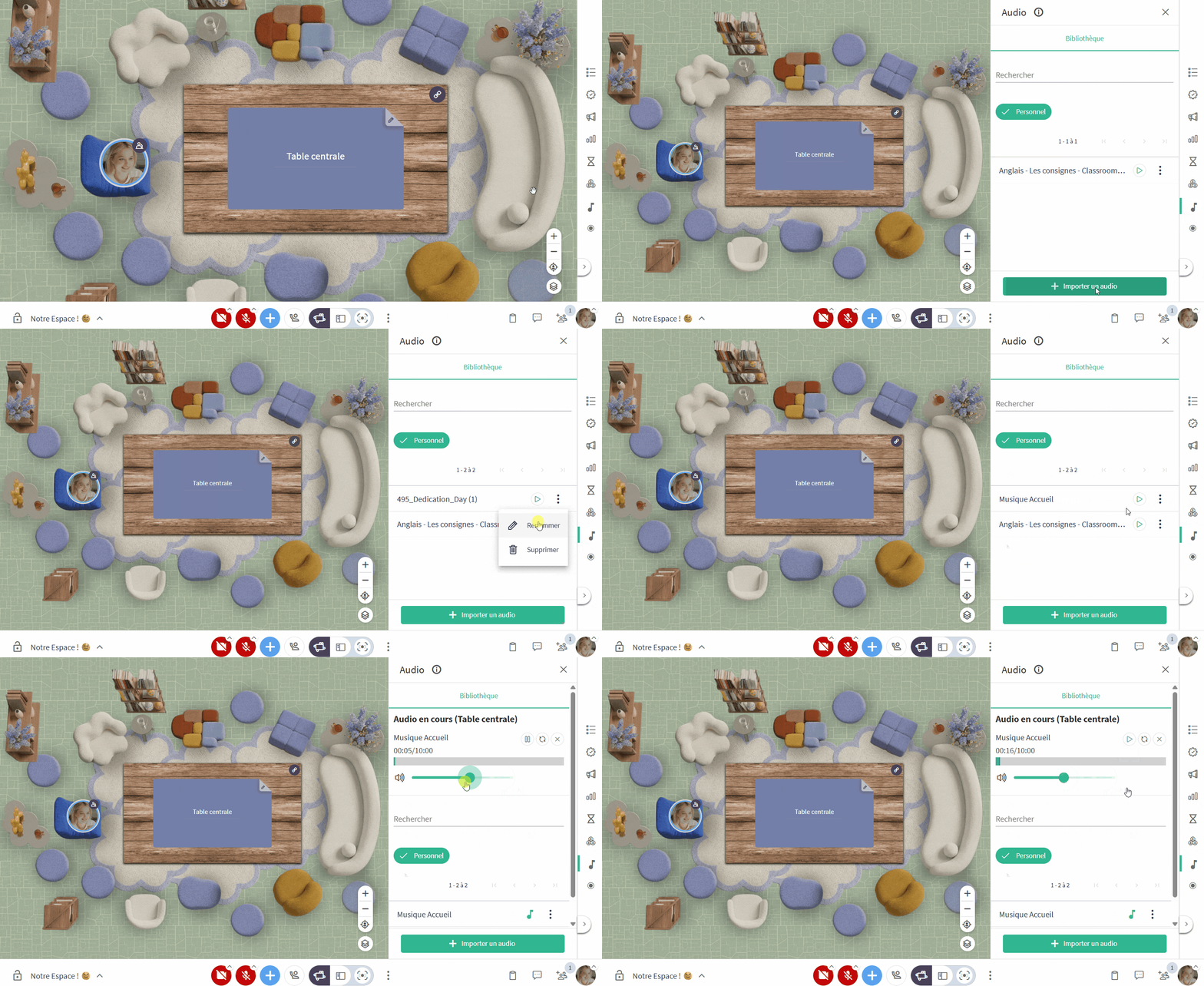

Audio playback is controlled per table (when in "Independent Tables" mode)

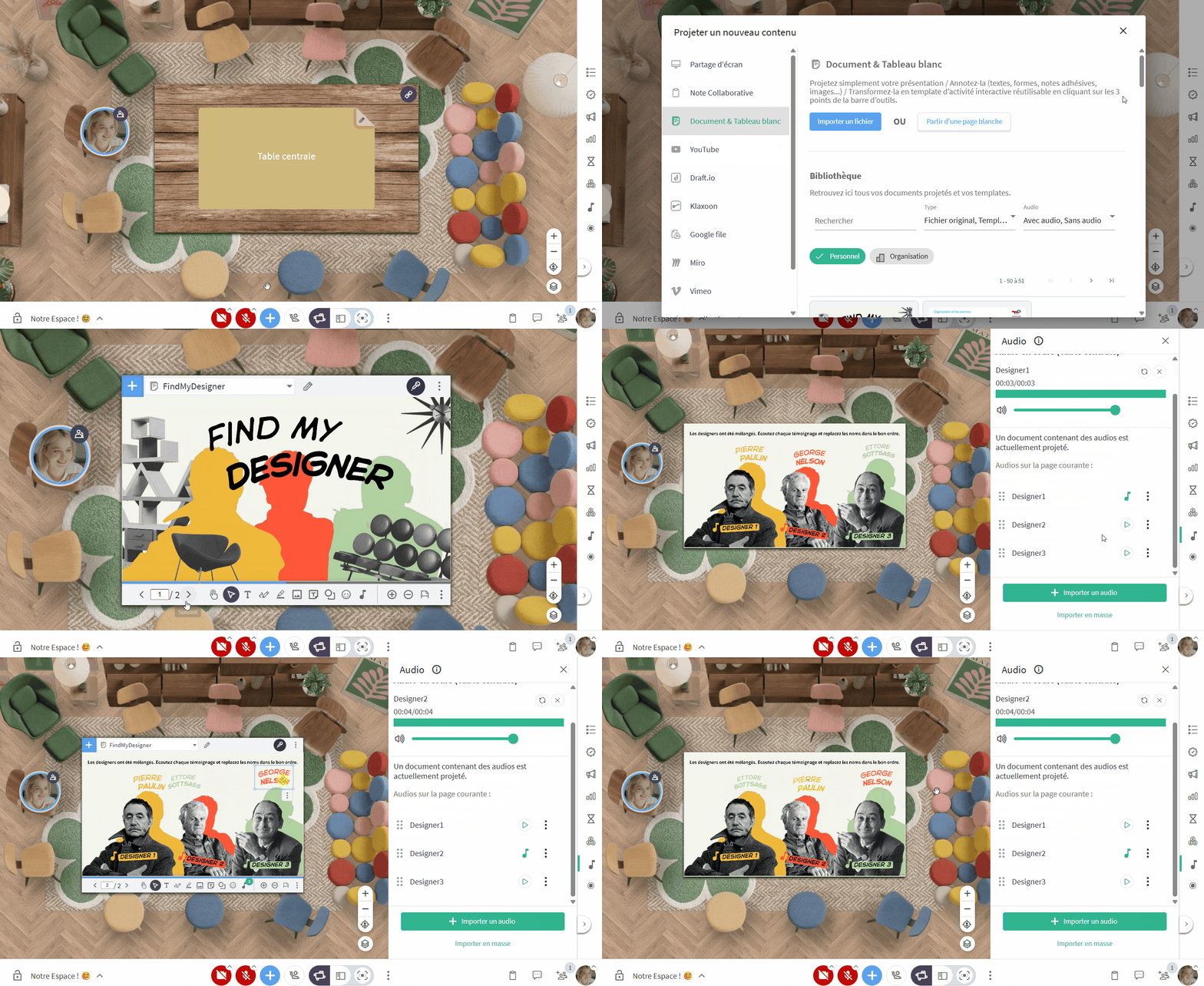
If you wish to link audio files to your PDF slides or whiteboards—allowing participants to trigger sounds themselves, such as instructions, testimonials, or clues—please check the following pages: